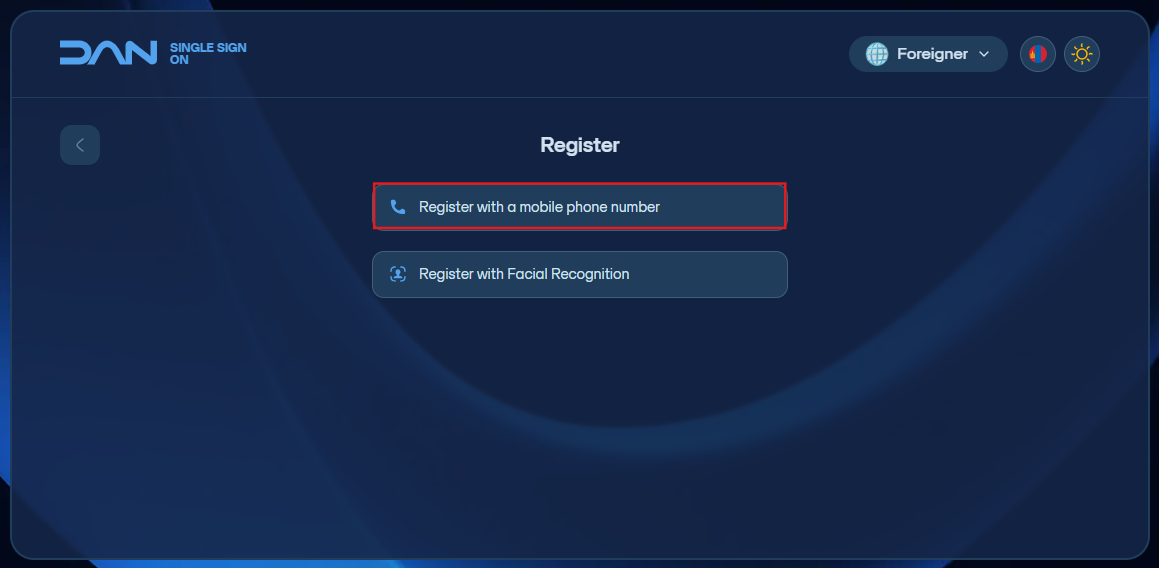
Foreign citizen registration - Гадаад иргэн бүртгүүлэх
- Register with a mobile phone number - Гар утасны дугаараар бүртгүүлэх
Click the “Register as a Foreign Citizen” button to begin registration.
-
Enter your F-register number.
-
Enter a phone number that is registered under your name in Mongolia.
-
Create a new login password that includes letters, numbers, and symbols, and is 8–20 characters long. Re-enter the password to confirm.
-
Agree to the Terms of Service and click Continue. A 6-digit code will appear on the screen — send this code via SMS to 130092 to verify your registration.
-
After registration is complete, you can log in with a one-time code sent to your phone number, then set up Google/MS Authenticator for two-factor authentication (2FA) login.