Foreign citizen registration - Гадаад иргэн бүртгүүлэх
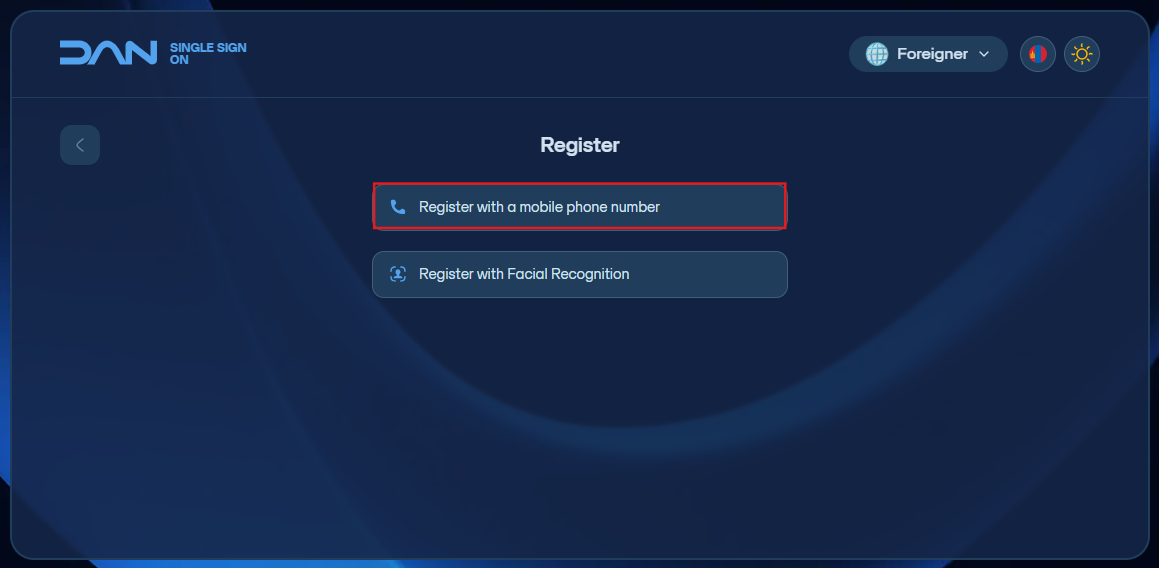
- Register with a mobile phone number - Гар утасны дугаараар бүртгүүлэх
Click the button to register from the foreign citizen section to complete the registration. Enter the F-register. Enter a phone number registered in Mongolia under your name. Then create and enter a new login password. It should be 8–20 characters long and include letters, numbers, and symbols, and enter it again for confirmation. By agreeing to the terms of service and continuing, send the 6-digit code that appears on the screen via message to 130092 to verify your registration. After the registration is created, you can log in with a one-time code sent to your phone number and then set up Google/MS Authenticator to log in using 2FA.